For South African punters, 22Bet is one of the best options on the market. It focuses on ZAR-friendly banking, data-light pages, and simple navigation that keeps you close to the action. This review tests the platform’s app on speed, usability, and market coverage, plus how it handles promos on the go.
If you favour live markets, the 22Bet app feels smooth, with quick bet acceptance and clear slip editing. Below, we unpack how the app performs on iOS, Android, and the browser-based mobile site, so you can choose the right setup for your device.
General Information About the 22Bet App
You’ll find a unified wallet for sports and casino, pre-match and in-play betting, live match trackers, quick cashout, and a full casino lobby (slots, live tables, game shows, crash, bingo, scratch cards, TV Games, and 22Games). ZAR deposits and withdrawals are supported through popular local-friendly methods, and the interface offers fractional/decimal odds switching, favourites, and notifications for bet results or price moves.
For safety, the app uses standard encryption, biometric login on supported devices, and secure cashier flows. With that in mind, let’s take a look at the 22Bet download process for both Android and iOS users.
Mobile App for iOS
The 22Bet iOS app works smoothly on both iPhones and iPads. You can sign in quickly and safely with Face ID or Touch ID. Plus, it has the same look and features as the desktop 22Bet site, so if you’ve used it on a computer, it’ll feel familiar.
How to Download and Install?
To download 22Bet app on your iOS device, you need to:
- Open the App Store on your device.
- Type 22Bet in the search bar.
- Tap “Get”.
- Let the download and installation finish, then open the app.
- Sign in.
System Requirements
For smooth performance, iOS 12 or later is recommended (newer iOS versions improve WebKit speed and security), with at least 200–300 MB free storage. Stable LTE/5G or Wi-Fi is best for live betting and fast cashouts.
Compatible Devices
Modern iPhones (8/SE 2nd gen and later) and iPads run the mobile site and web-app shortcut comfortably.
22Bet Mobile App for Android
Android users can install a native package from the official site, giving you notifications, faster page transitions, and a true app icon experience. The interface is clean, with bottom-bar navigation for Sports, Live, Casino, and the bet slip.
How to Download and Install?
To get the 22Bet APK download underway, go to:
- 22bet.com and navigate to the mobile app page.
- Tap “Download” to get the 22Bet APK. When prompted, grant your browser permission to install from this source (Settings → Apps & notifications → Special app access → Install unknown apps).
- Open the downloaded file and confirm installation.
- Launch the app, sign in, and enable notifications for bet settlements and price changes.
- Updates arrive via in-app prompts or by downloading the latest APK from the same page.
System Requirements
All Android 8.0 (Oreo) or later devices with 2 GB RAM or more and at least 200–300 MB of free storage can run the app without a hitch.
Compatible Devices
All popular Android models can run the 22Bet app without any problem. Some of the most common models include:
- Samsung Galaxy A and S ranges
- Huawei and Honour
- Xiaomi Redmi and POCO
- OPPO
- Vivo
- Nokia
- Tecno
- Hisense
Just note that if your phone blocks installations from the browser, grant “install unknown apps” permission to Chrome or your preferred browser, then retry.
Mobile Website Version
Prefer to skip installs? The mobile site mirrors the app’s layout and features: Sportsbook, live betting, casino, cashier, 22Bet bonuses, profile, and support chat.
It’s ideal if your phone does not have enough space to install any new app or if you simply want to keep your phone app-free. Performance on recent iOS/Android browsers is crisp, and your balance, bets, and settings sync across devices.
Mobile Betting Options
On the 22Bet app, players can expect full pre-match coverage across football, tennis, basketball, cricket, rugby, and more, plus niche markets and player specials. In-play betting is the highlight: Rapid odds refresh, quick accept options, editable slips, and cashout on supported events.
Build accumulators, combine markets with Bet Builder where available, and browse “Accumulator of the Day” for boosted ready-made multiples. Live match trackers show momentum, key stats, and event timelines, so you can gauge form even without video.
Notifications can ping you for price moves, goals, or settlements, and the bet history tab breaks down results and payouts clearly.
Mobile Casino Options
On mobile, the casino section is just as huge as on desktop. You’ll find thousands of slots, plus live roulette, blackjack, baccarat, and game shows. There are also crash and fast games, bingo, 22Games, TV Games, hunting and fishing titles, and scratch cards.
Just like on desktop, the 22Bet mobile app lets you filter by provider or by features, such as Megaways, Bonus Buy, and high volatility, which makes it quick and easy to find your favourites.
In the 22Bet Promotions area, you’ll usually see:
- A multi-stage welcome offer with free spins.
- Weekly races with leaderboard prizes.
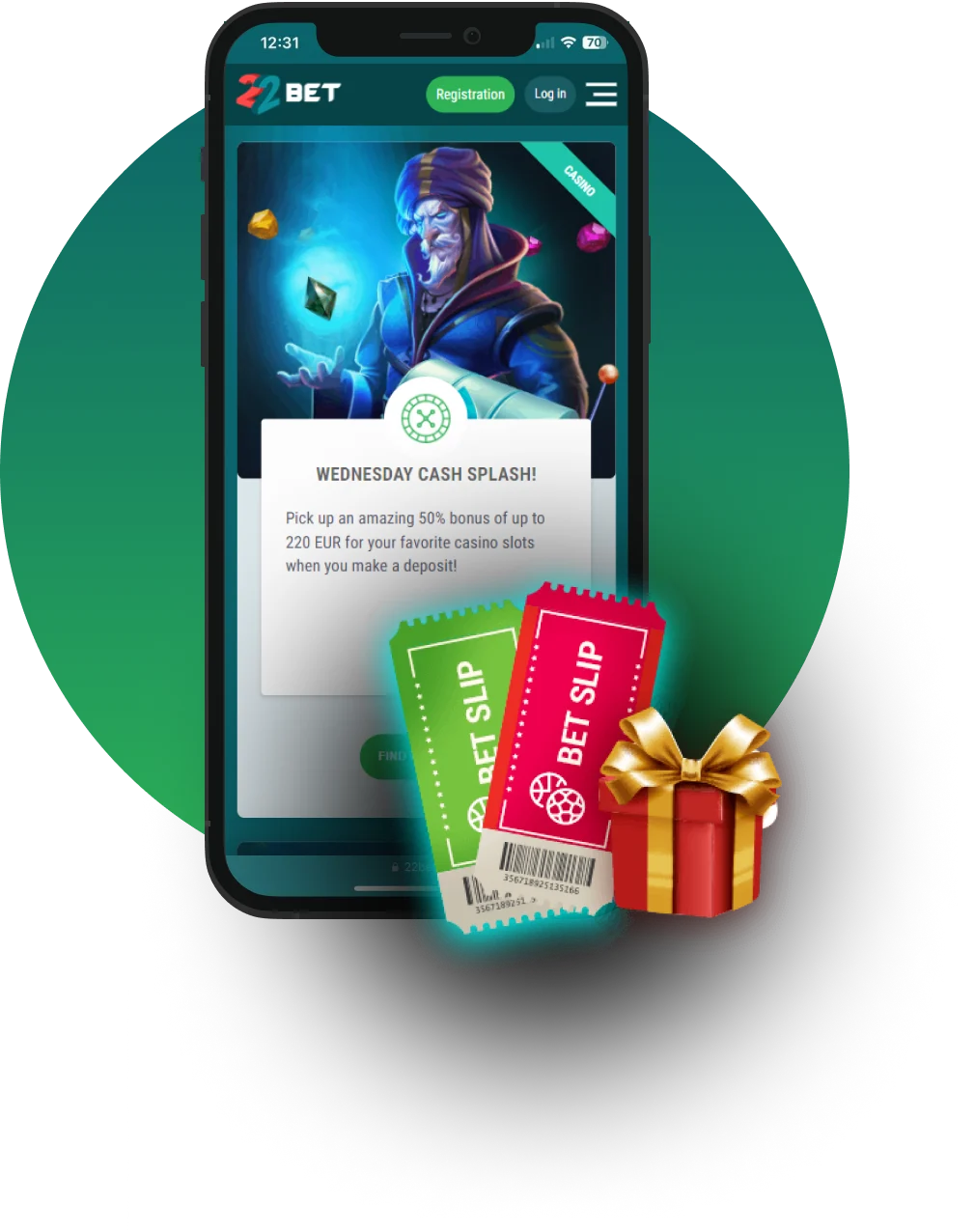
- Wednesday Cash Splash deposit boosts.
- Sunday Mega Bonus (match bonus + spins).
- VIP casino cashback.
Commonly Asked Questions
Yes, the app is legal for South Africans to use, as the platform is fully licensed.
If you are not able to find the 22Bet app download, go to the mobile site and add it to your home screen from Safari for an app-like experience. If a native listing becomes available in your region later, you can install it from the official source and sign in with the same account.