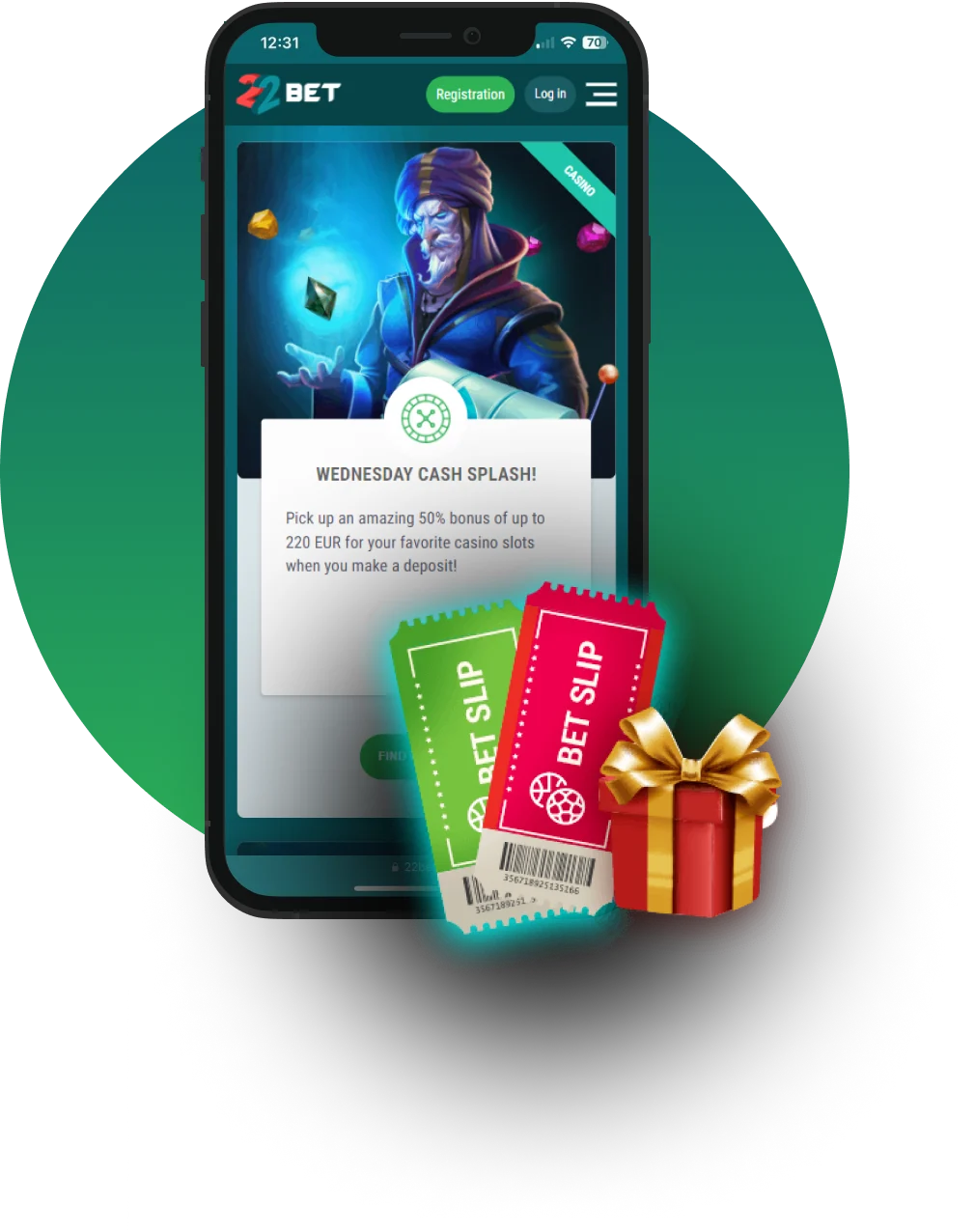
Betting and playing casino games on your mobile device is the trend these days, and the 22 Bet app ensures you’re not left out. The app brings the complete 22Bet experience to Android and iOS devices, allowing you to take your games anywhere with you.
With the app, you can bet on fixtures, play games, claim bonuses and VIP rewards, fund your account, and do so much more. It’s the perfect companion for you if you enjoy betting on the go.
In this 22Bet download review, we will explore everything you need to know about the app, including how to install it, its system requirements, and the gaming options available to you.
General Information About the App
The 22Bet app is a native application designed to offer players full access to 22Bet on their mobile devices. It has all the features and functions that can be found on the website when visited from a desktop or laptop.
One of the core benefits of the app is convenience, as you can now take your betting with you instead of being confined to one space. Now you can play from anywhere, anytime you want, as well as enjoy 22Bet bonuses, giving you more control over your betting activities.
Mobile App for iOS
If you use an iPhone or iPad, you can enjoy mobile betting on your device with the app. The app has a seamless installation process and is very easy to use, enabling you to do all you love from your fingertips.
How to Download and Install
To download 22Bet app on your iOS device, follow the steps below:
- Open the App Store on your iPhone or iPad.
- Enter “22Bet” in the search bar and select the correct option from the results list.
- Tap “Get” on the app page to start the downloading process. The app will automatically install.
- Once installed, launch the app, sign in or sign up, and start betting.
Alternatively, you can download the iOS app via the official 22Bet website — there is a dedicated page for it.
System Requirements
For the app to run smoothly, your device must meet the following system requirements:
- A minimum of 2GB RAM.
- A minimum of 1GB free internal storage.
- iOS version 14.0 or higher/iPadOS version 14.0 or higher.
Compatible Devices
The 22Bet iOS app is compatible with a wide range of iPhones and iPads. At the very least, all devices running iOS 14 or iPadOS 14 or higher can run the app:
- iPhone 6s series, iPhone 7 series, iPhone 8 series, and iPhone X series, up to the latest iPhone 17 series.
- iPads such as the iPad (6th generation and newer), iPad Air (3rd generation and newer), iPad Mini (5th generation and newer), and all iPad Pro models also support the app.
Mobile App for Android
Android users are not left out of the 22Bet mobile experience. The Android app allows players to do everything they normally do, with the added advantage of doing it from anywhere.
How to Download and Install
Below are the steps you can take to download 22Bet app on your Android device:
- Visit the 22Bet website on your Android smartphone or tablet.
- Tap “Install” on the banner at the bottom of the screen or scan the QR code to download the 22Bet APK file.
- Go to your system settings and enable “Install from Unknown Sources” to enable you to install the app.
- Next, locate the downloaded APK in your file manager and tap it to install.
- Once done, open the app, log in or sign up, and start playing.
System Requirements
The 22Bet app works best when your Android device meets the necessary system requirements. The core requirements are:
- A minimum of 2GB RAM.
- A minimum of 1GB free internal storage.
- Android version 9.0 or higher.
Compatible Devices
As long as your Android device meets the above requirements, you’ll be able to install the 22Bet app. The list of compatible Android devices is extensive and includes models released from 2019 onwards:
- The Samsung S10 and newer, all Samsung A series models, the Google Pixel 3 and newer, Huawei P30 and newer, Xiaomi Redmi Note 8 and newer, OnePlus 6T and newer, as well as the most recent Tecno, Infinix, and Itel smartphones.
- Tablets running Android 9.0 or higher, such as the Samsung Galaxy Tab A and Tab S series, also support the app.
Mobile Website Version
The app isn’t the only way to experience 22Bet on your mobile device. You can access the platform directly on the mobile website, using your browser. The mobile interface makes navigation and game selection quick and effortless, allowing users to move smoothly between sports betting, live games, and the casino section.
No downloads or installations are necessary to use the mobile website version, which is one of its benefits. Simply visit the 22Bet website from your browser and start playing.
Mobile Betting Options
On the app, you can explore a wide range of betting markets with over 30 different sports, including football, tennis, basketball, and even esports. Each of these sports covers various leagues, franchises, and competitions, giving players more than enough options to bet on.
Players can bet on live matches with the mobile app, taking advantage of the touchscreen to make quick selections and place their bets on time. The odds on the mobile app are set by experts and updated as needed to reflect real match developments.
Mobile Casino Options
From slots to instant games and live dealer titles, there’s a huge selection of games available to you on the app. The games are optimised for mobile play, letting you spin and enjoy the same smooth experience you’d get on desktop.
Even playing live dealer games on your mobile device is superb, with high-resolution streaming and games that load quickly without any lag or glitches. Some games you can try out on mobile include:
- Aviator
- Echo Wilds
- Hot Chilli Bells
- Sumo Supreme Megaways
- Caribbean Stud Poker
Commonly Asked Questions
To install the app on your Android device, simply visit the 22Bet website from your mobile browser and tap “Install” on the banner at the bottom of the screen. Then enable installation from unknown sources before installing the app.
Yes, you can do that by playing on the mobile website version.